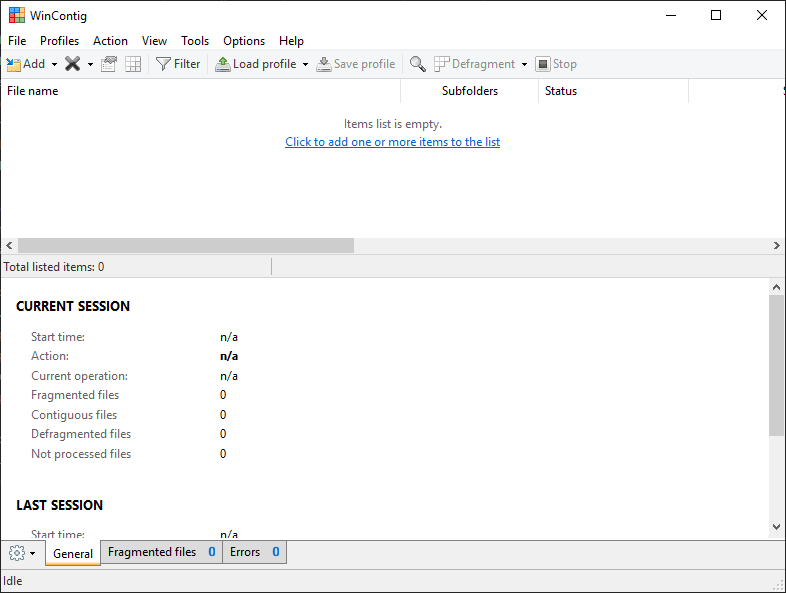
Defragmentation tools can often be confusing, and they can definitely take a while to complete. In real-life scenarios, you often just want to defragment a specific file or folder. For example, this can be useful if you want to speed up the loading of a certain program on your computer. WinContig provides a neat solution!
Portable and targeted operation
WinContig is a free defragmentation tool for Windows. You can simply download its executable and run it without having to go through an installation process. This makes it a great portable tool to keep on a USB drive! The defragmentation process is aimed at specific files and folders, rather than defragmenting entire drives.Analyzing fragmentation states
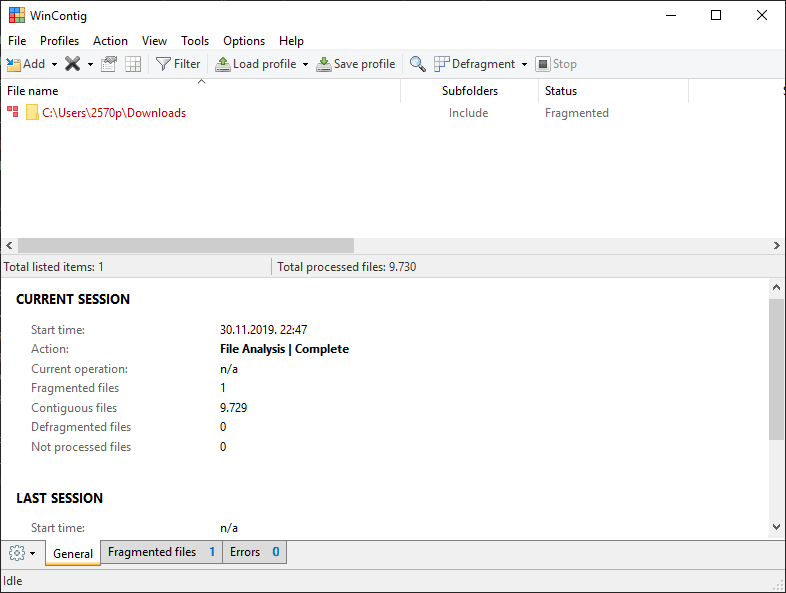
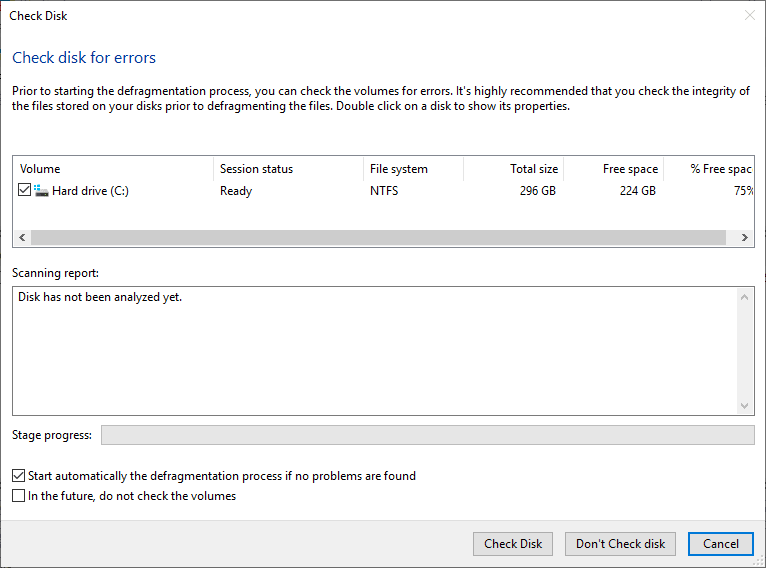
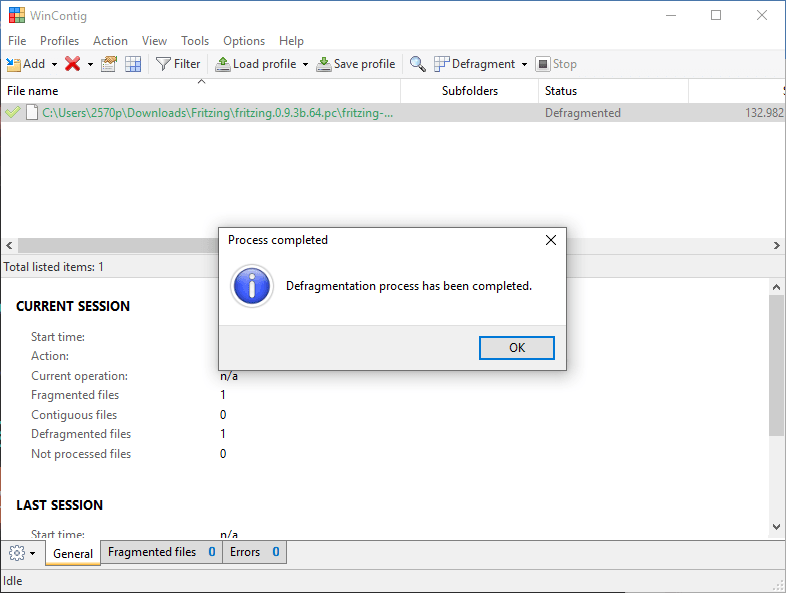
After adding a file or a folder, you can click Analyze to check its fragmentation state. You can then select the individual files you want to defragment or choose the entire folder. When you start the defragmentation process, you are asked to check your drive for errors beforehand, which is definitely a smart thing to do.Profiles and automated schedules
If certain files or folders get fragmented often (e.g., the Program Files folder), you can save your selection as a profile and load it later. The entire program can be controlled via the command prompt, which makes it great for creating automated, scheduled tasks. Steady updates have improved SSD detection and defragmentation, and we must say that there is nothing we can complain about!